
Free Transparent Background Maker
Remove image backgrounds automatically in seconds with just one click.
Click to select an image
or drag and drop here
Supports JPEG, PNG, WebP • Maximum file size: 100MB
Key Features of Our Transparent Background Maker
Everything you need to create a transparent background — fast, free, and private.
One-Click Transparent Background
Upload and get a transparent background instantly. No manual selection, no tracing edges. Everything is handled automatically. Just drop your image and the transparent background is ready in seconds.
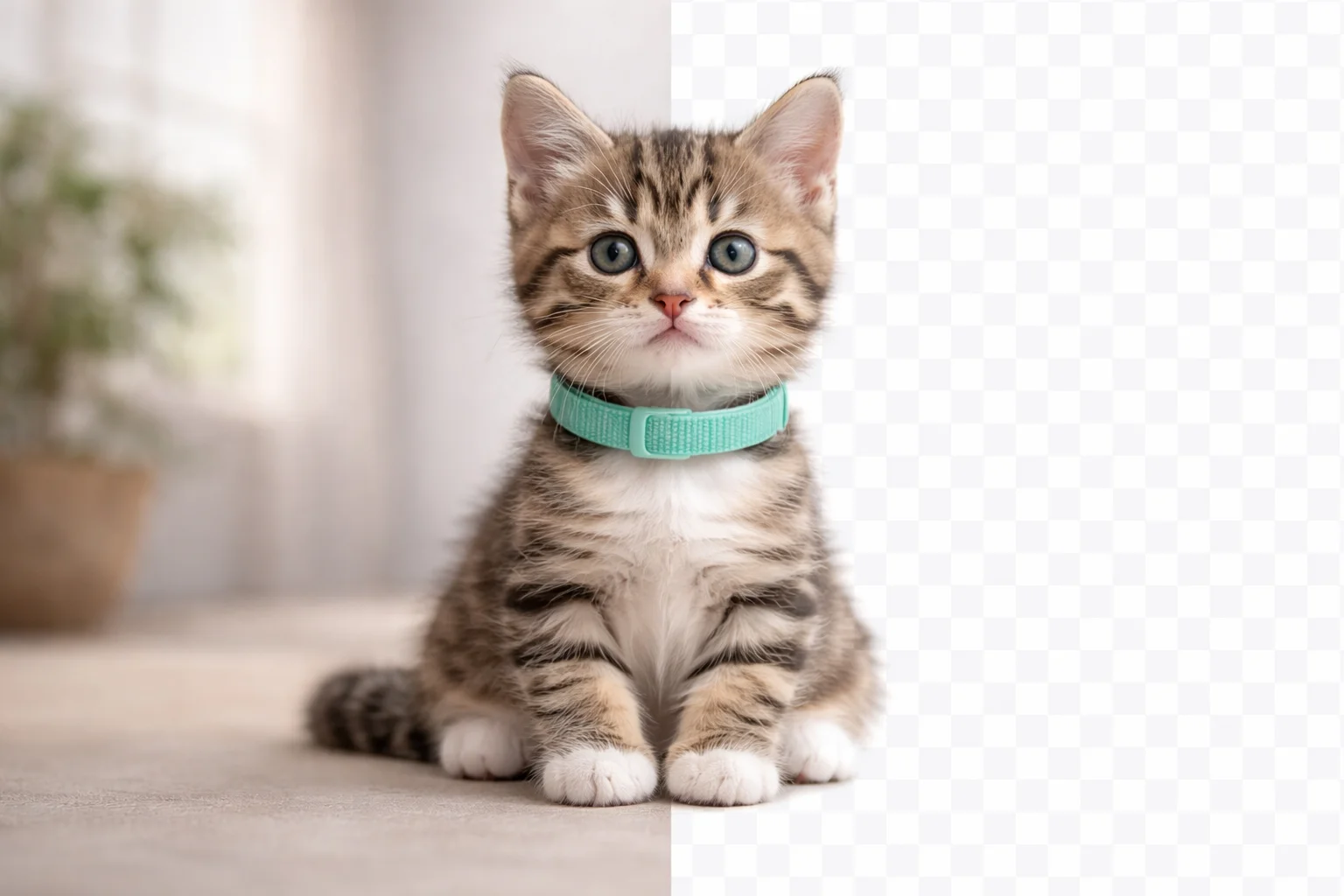
High-Quality Transparent Background
Clean edges, smooth cutouts, and high-quality transparent backgrounds every time. Works on people, products, animals, and objects.
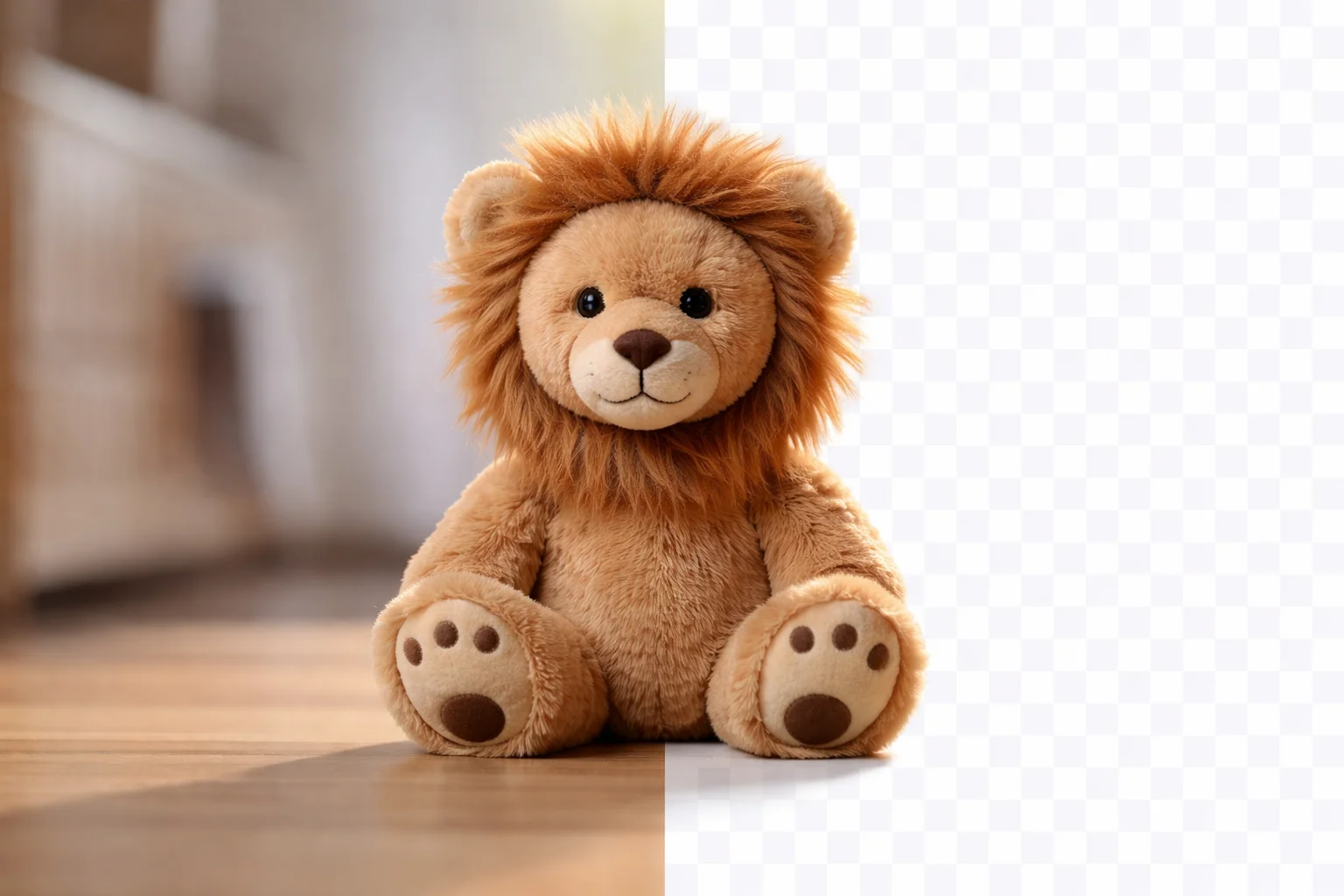
Transparent Background Preview
Checkerboard preview shows exactly what's transparent before downloading. See the transparent background result instantly and make sure it looks perfect before you save.

100% Private
Your images are processed locally and never uploaded to any server. Your photos stay on your device the entire time.
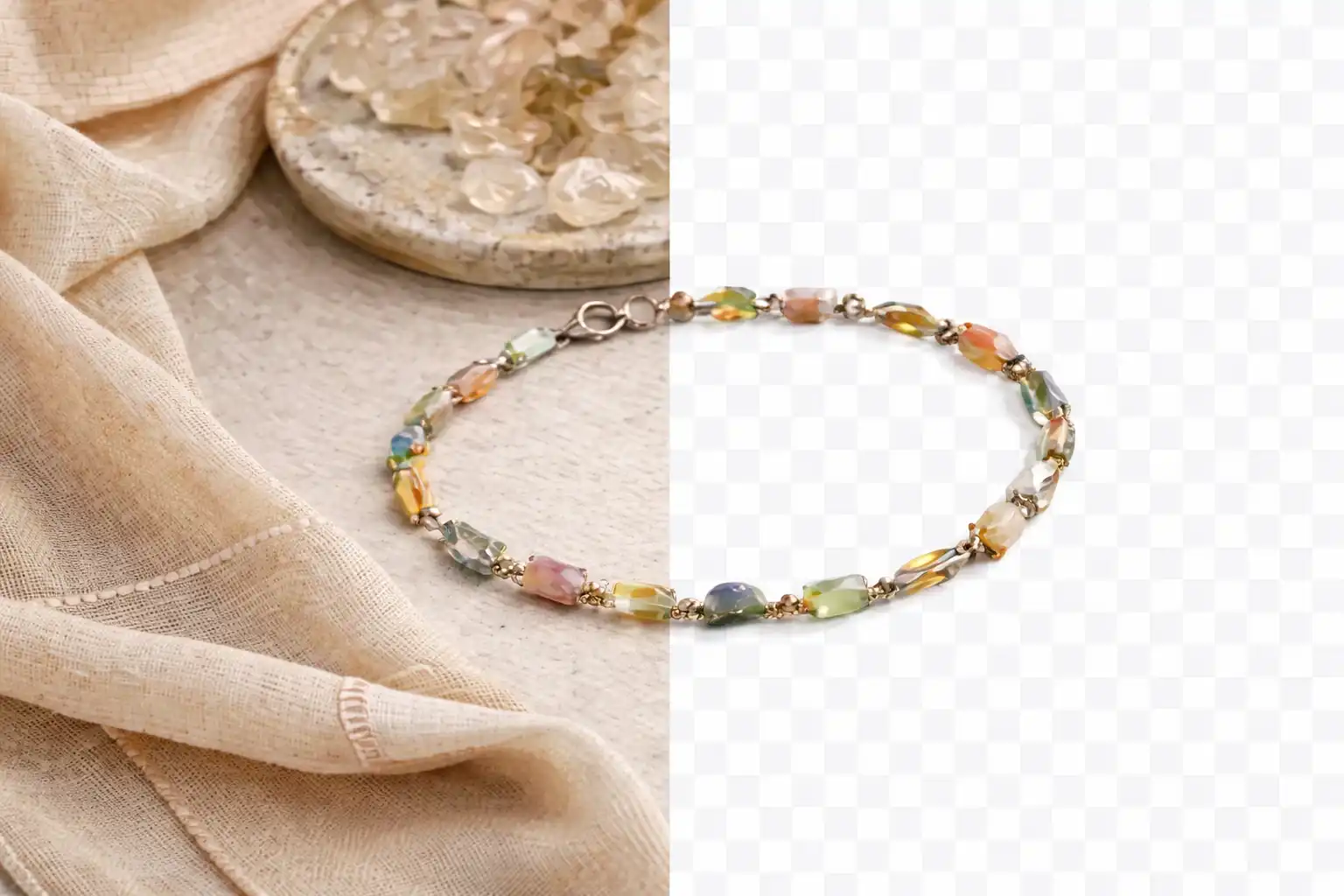
Free Transparent PNG Download
No watermarks, no sign-up, no limits. Download images with transparent background ready for any project. Every transparent background you create is yours to keep — completely free.

Works Everywhere
Phone, tablet, desktop — any modern browser. Make transparent backgrounds on any device, anywhere. No app to install, no software to download.

What Is a Transparent Background?
How our tool creates transparent backgrounds in seconds
A transparent background is an image where the background has been removed, leaving only the subject visible. Our transparent background maker identifies the main subject in your image and automatically creates a clean transparent background. Unlike manual tools that require you to trace edges or select colors, our tool understands what's in the image — people, products, animals, objects — and generates a perfect transparent background automatically. Your images are processed locally and never uploaded to any server.
Product photography for e-commerce, profile pictures, design assets, social media content, presentations, and any project where you need a clean transparent background. Works great on portraits, product shots, logos, and more.
In Photoshop, making a transparent background means using the magic wand, quick selection, or pen tool — then refining edges manually. It takes minutes per image. Our transparent background maker does it in one click, in seconds. No software to install, no learning curve.
How to Make a Transparent Background
Create a transparent background in 2 simple steps. No software to install, no account needed.
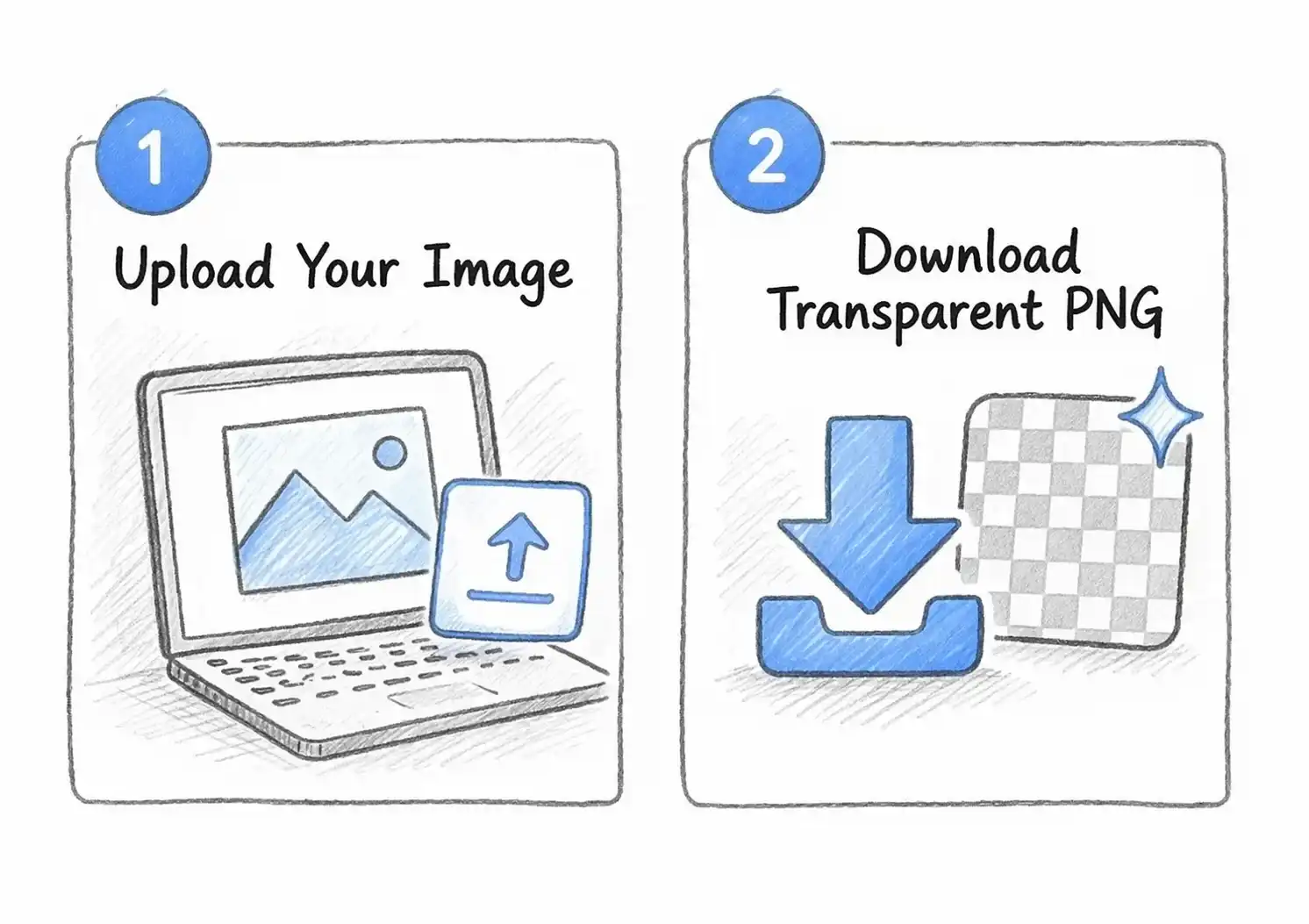
Upload Your Image
Select or drag and drop any photo. The transparent background is generated automatically — no extra clicks needed.
Download Transparent Background
Hit Download to save your image with a transparent background as PNG. No watermarks, no sign-up. Ready to use anywhere.
Why Choose Our Transparent Background Maker
The fastest, most private way to create transparent backgrounds
Just upload your image and the transparent background is ready. No need to learn any tools or adjust any settings.
Download your transparent background image directly. No watermarks added, no account required. Completely free with no limits.
Your images are processed on your device and never uploaded to any server. Safe for personal and confidential photos.
Clean edges and smooth transparent backgrounds. Works on people, products, animals, logos. Ready for e-commerce, social media, or design projects.
Transparent Background Maker FAQ
Common questions about our transparent background tool
What types of images work best for transparent backgrounds?
How long does it take to make a transparent background?
Is this transparent background maker free to use?
Do you store my images?
Can I use it on my phone?
Why is the first transparent background slower?
How is this transparent background maker different from Photoshop?
Ready to Make a Transparent Background?
Upload, get a transparent background, download. Takes seconds.